Every tool for your dashcam footage
Everything below runs in your browser, on your own computer. Nothing to install, nothing uploaded.
The whole card at a glance
Every clip sorted by day and time, with front, rear and interior cameras paired into one moment.
- Trips: clips that follow each other become one trip, with start and end time, length and the time since the previous trip
- The top speed of every clip that has GPS
- Filters for camera and recording type: normal, event, parking
- Find loud moments in every clip at once, then show only those clips
- A day list that follows as you scroll
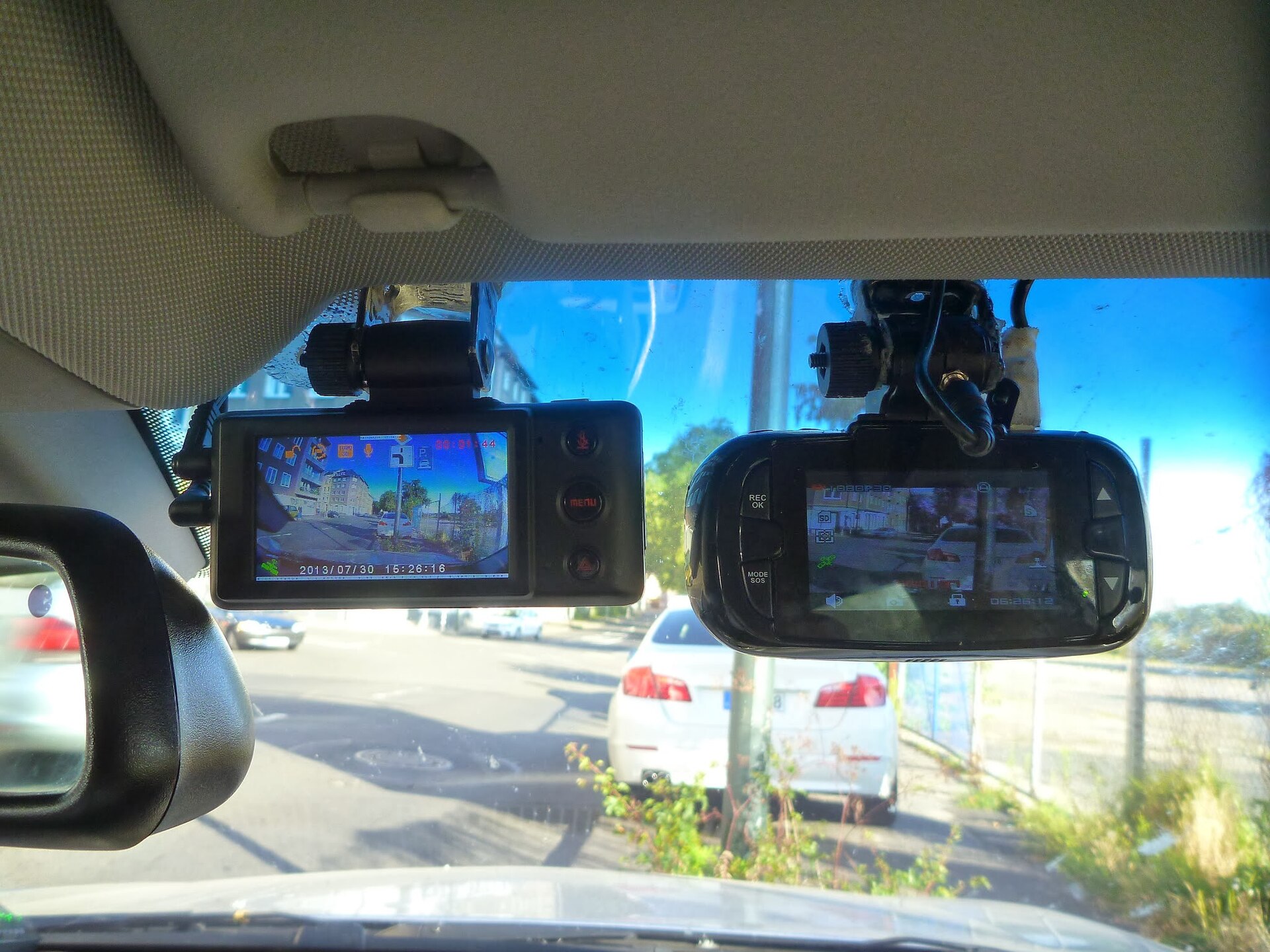
Front and rear, in one picture
Clips recorded at the same second become one moment. They play in sync side by side or picture in picture, and a double-click swaps which camera is large.
- Side by side, picture in picture or one camera, with resizable views
- Zoom into the picture with the scroll wheel and drag to look around; saved videos keep the zoom
- Playback from 0.25× to 4×, and autoplay into the next clip
- A keyboard shortcut for everything
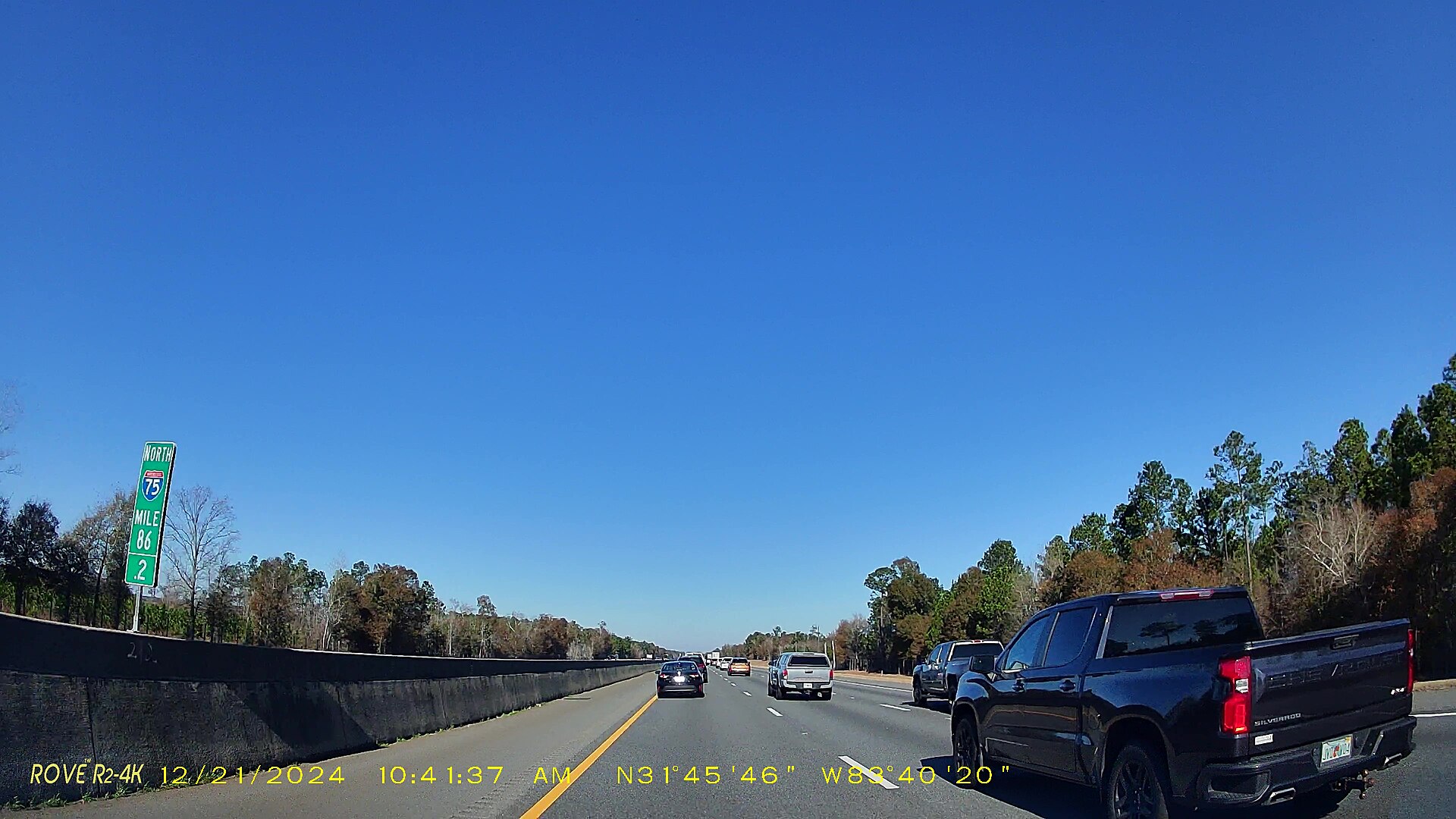
Find the exact frame
Pause, then step one frame at a time to the second that matters: a plate, a brake light, a sign. Save that frame as an image, or the whole clip as a video in the layout you see.
- Step one frame back or forward, with the exact time of each frame
- Save a frame as PNG, JPG or BMP, named after its date and time
- Save a frame every few seconds, straight into a folder you choose
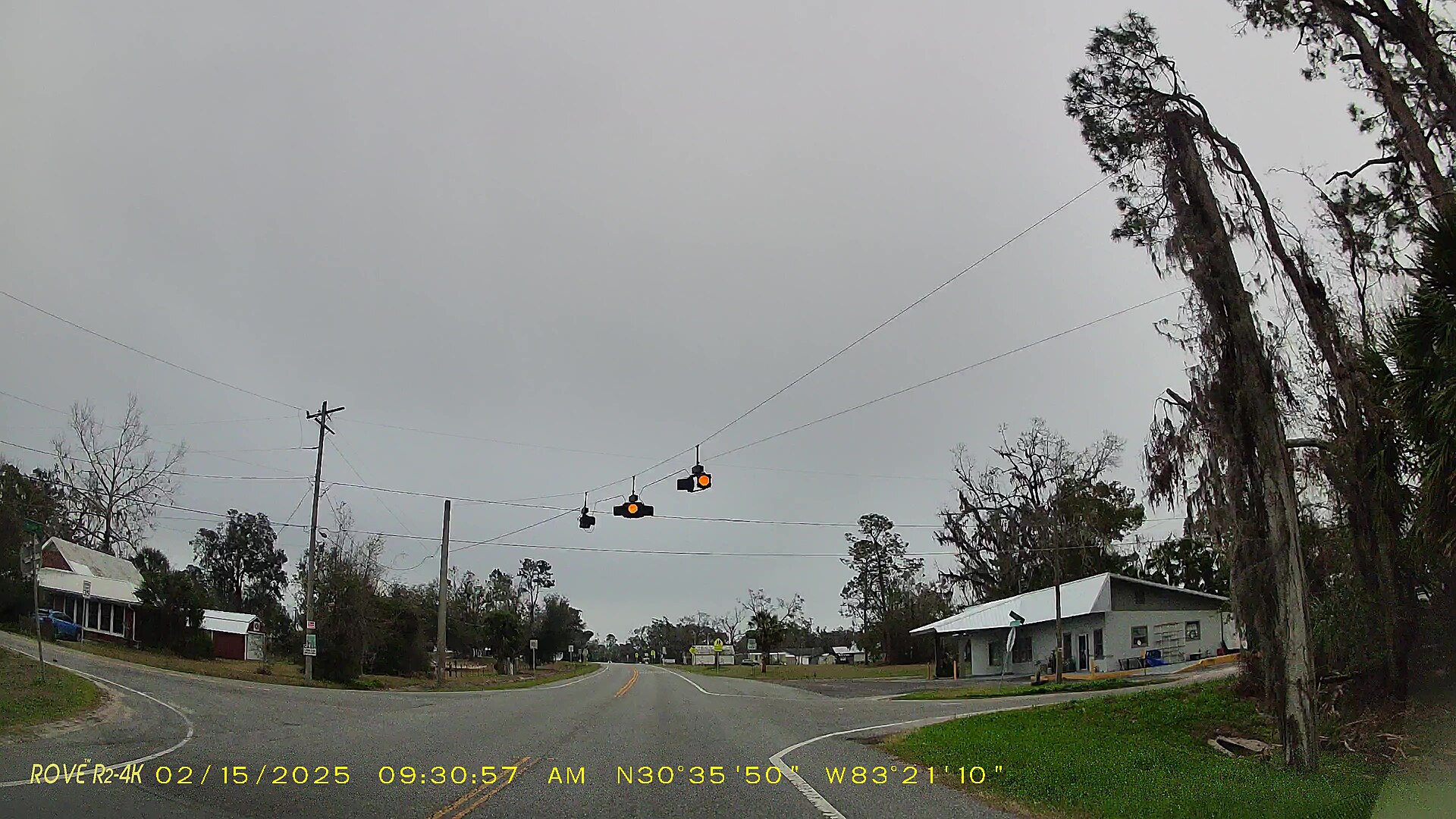
Where it happened
Viofo and other Novatek cameras, BlackVue and GoPro store GPS inside the video. The route appears on a map, the car follows the playhead and the speed is shown alongside.
- Map, satellite or hybrid view
- The route coloured by speed, with an arrow showing the direction of travel
- Click the route to jump to that moment
- Markers with a name and, if you want, the street address; export and import as GPX
- If you switch it on: the weather at the time and place of the drive
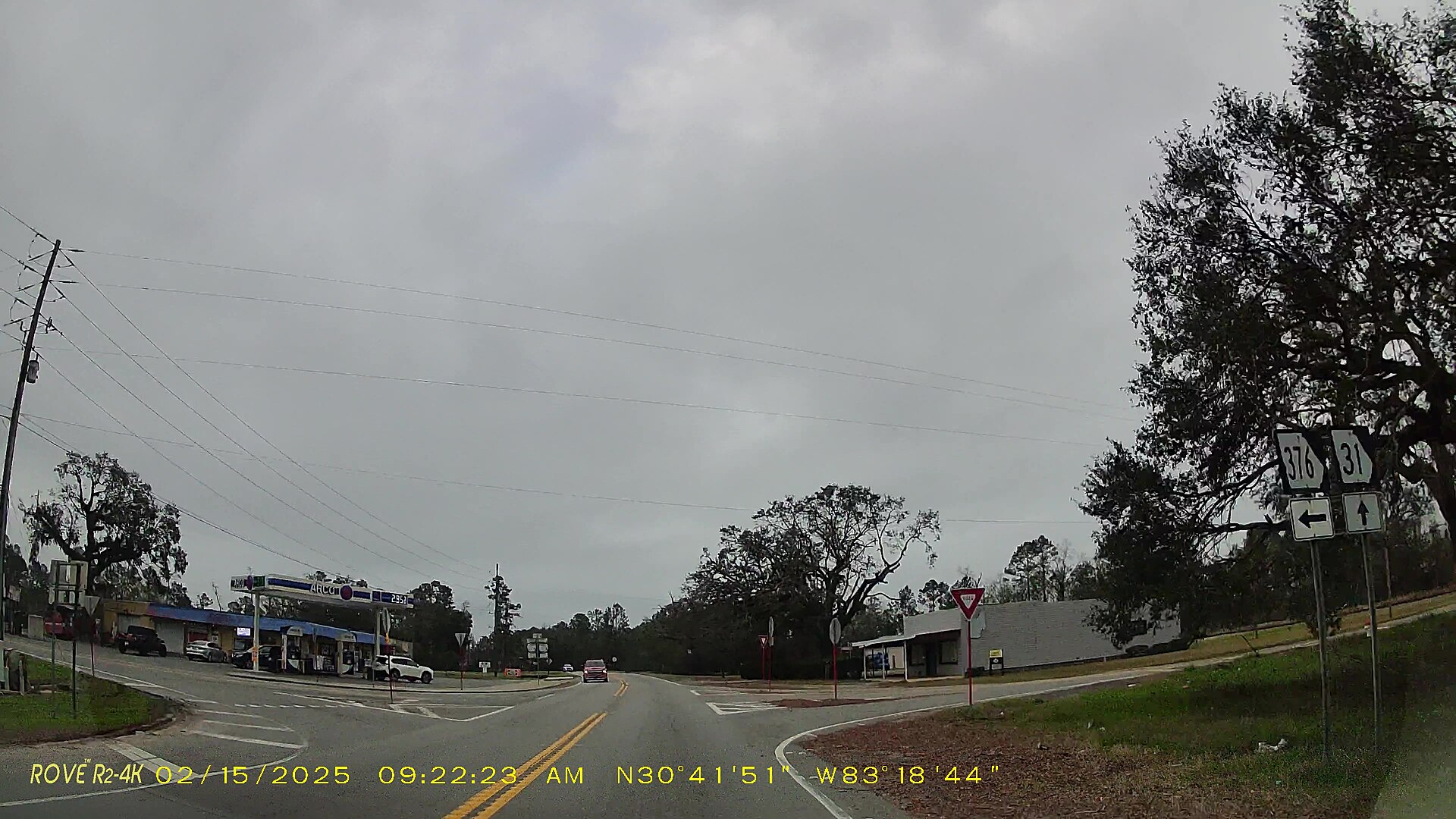
The numbers behind the drive
Everything the camera recorded besides the picture, as graphs, a table and an overlay on the video.
- Graphs of speed, distance, heading, altitude, gradient, G-force, satellites and GPS accuracy; click to jump
- A live readout of speed, heading, distance, altitude and position, in km/h or mph
- Driving data on the video, also in the videos you save
- A table of every GPS point
Save what matters
Keep the evidence and share the drive, in the formats other tools understand.
- Save a clip as a video in the layout you see: one camera, picture in picture or side by side
- Export part of a clip faster, slower or backwards, with or without sound
- Join the clips of a trip into one video without re-encoding, plus the route as GPX
- Export the route as GPX, KML, CSV or GeoJSON
Keyboard shortcuts
Press ? in the player to see them all.
- Space
- Play or pause
- , .
- One frame back or forward
- ← →
- 5 seconds back or forward
- ↑ ↓
- Previous or next clip
- W
- Swap front and rear
- 1 2 3
- Side by side, picture in picture, one camera
- G
- Show or hide the map
- H
- Show or hide driving data on the video
- T
- Add a marker on the route
- S
- Save the current frame
- I O
- Set the start or end of the part to export
- R
- Save the clip as a video in the layout you see
- 0
- Reset zoom (scroll on the video to zoom, drag to move)
- M
- Mute or unmute