Every drive, frame by frame
Tripframe opens your dashcam’s SD card in the browser. Every clip appears by day and time, front and rear together, ready to play, step through and save.
Free, no account, nothing is uploaded.
Works with
and any camera that writes the date into its file names. All supported dashcams
Try it here
This is the real app with a few short sample clips loaded. Open a clip to see the route on the map, swap front and rear, and step through it frame by frame.
A moment, not a file name
Dashcams name every clip with a string of digits. Tripframe reads date, time, camera and recording type straight from those names, for the brands below and anything that writes a date into its file names.
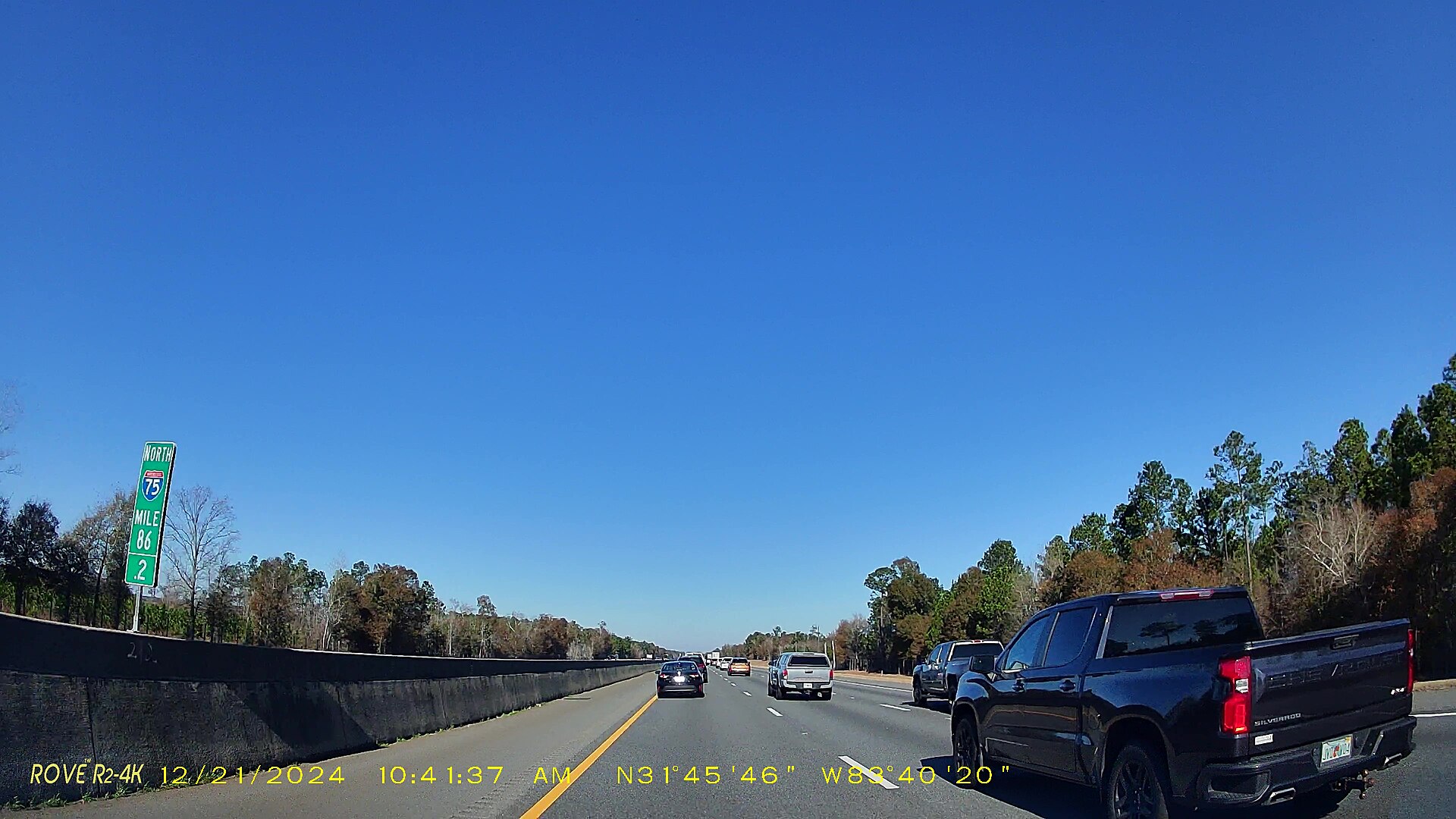
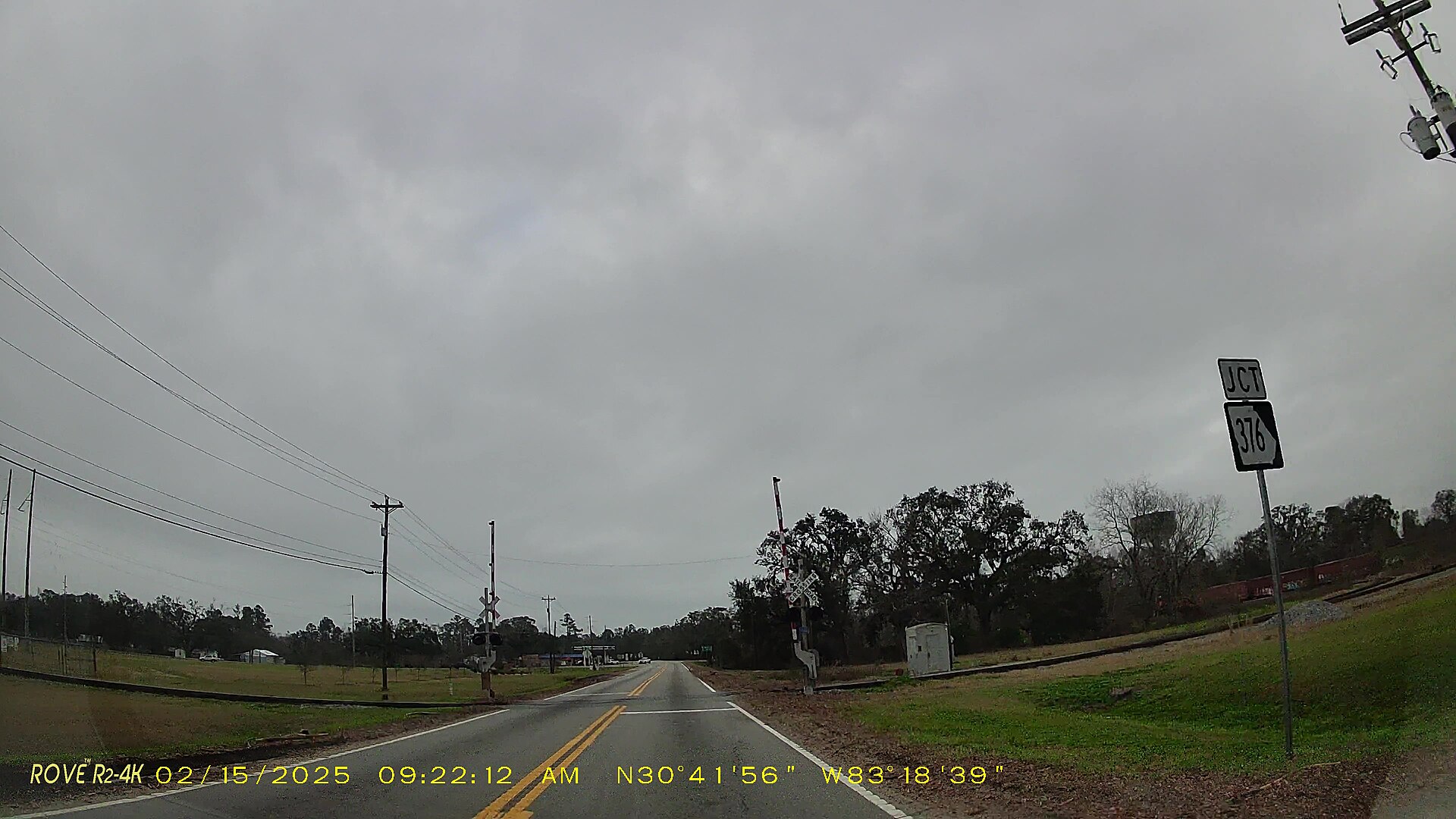
Front and rear, in one picture
Clips recorded at the same second become one moment. They play in sync side by side or picture in picture, and a double-click swaps which camera is large.
swaps front and rear
Find the exact frame
Pause, then step one frame at a time to the second that matters: a plate, a brake light, a sign. Save that frame as an image, or the whole clip as a video in the layout you see.
step one frame saves it saves the clip as a video
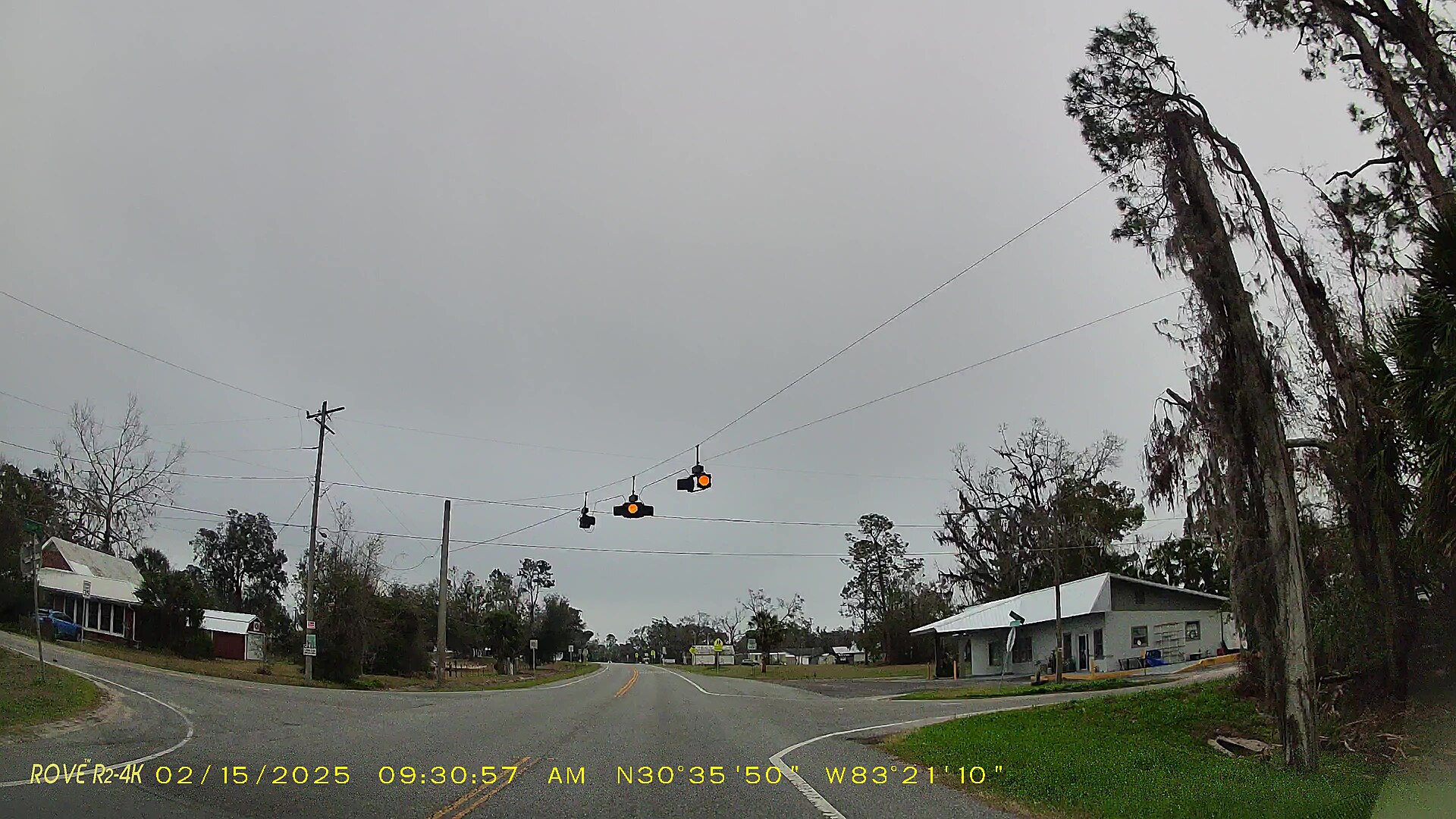
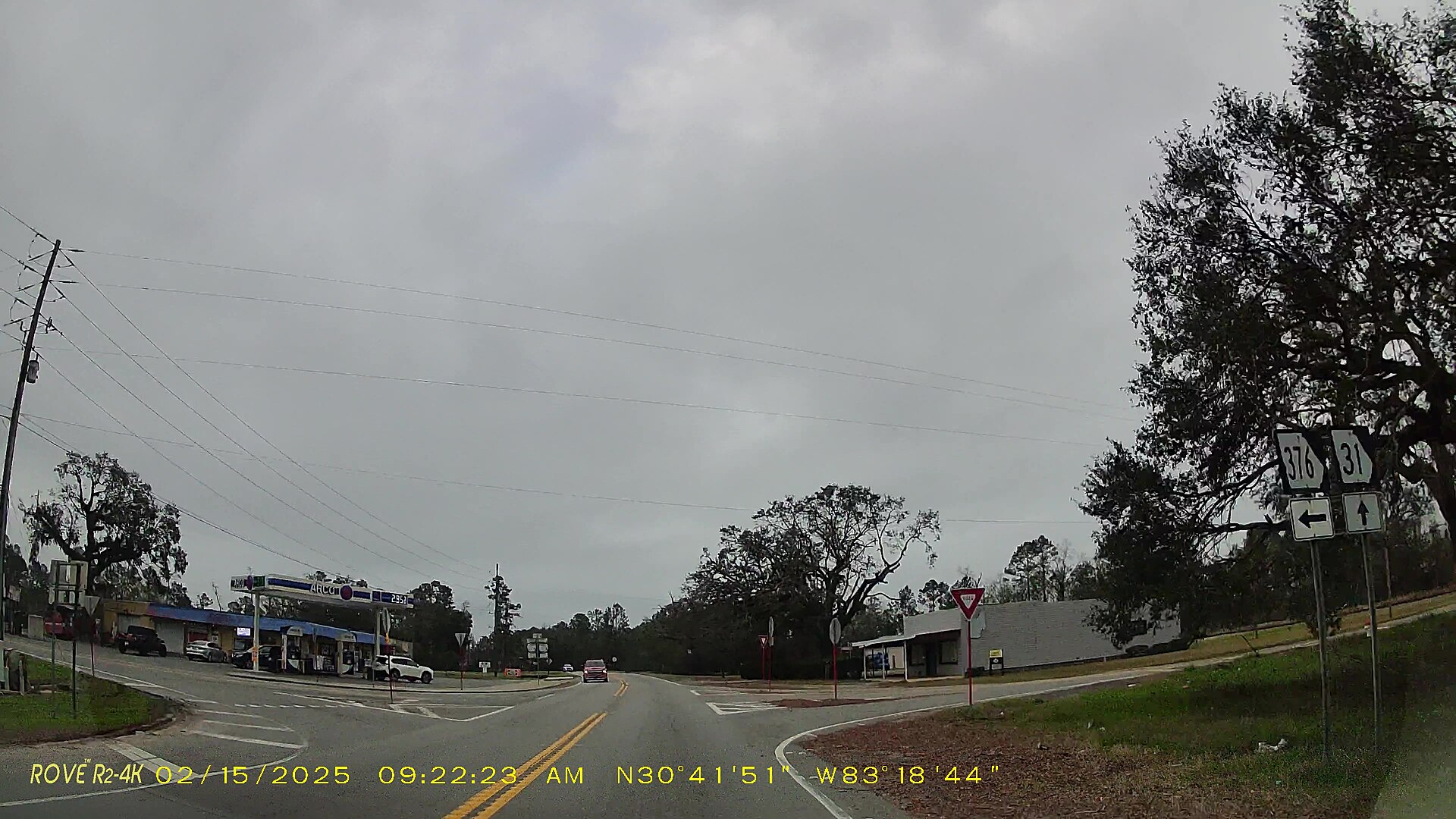
0 km/h
Where it happened
Viofo and other Novatek cameras, BlackVue and GoPro store GPS inside the video. The route appears on a map, the car follows the playhead and the speed is shown alongside.
Everything else a dashcam owner needs
Tripframe does what a desktop dashcam player does, in a browser tab.
Trips and top speed
Clips are grouped into trips with their length and the time between them. Every clip shows its top speed.
Loud moments
Finds bumps, horns and shouts in the sound, in one clip or every clip on the card.
Zoom into the picture
Scroll to zoom in on a plate or a sign, and drag to look around.
Graphs and live data
Speed, distance, heading, altitude and G-force over time, and the same data on the video.
Markers on the route
Mark moments on the map, name them, and export them as GPX.
Satellite and speed colours
Map, satellite or hybrid view, with the route coloured by speed.
Export any part
Save part of a clip faster, slower or backwards, with or without sound.
One video per trip
Join the clips of a trip into one file without losing quality, with the route as GPX.
A free alternative to Dashcam Viewer, in your browser.
Graphs, telemetry, GPS export, clip export and joining clips, with no download, no licence and no limit on how many files you open.
Read the comparisonYour footage never leaves your computer
Tripframe is a web page that reads the folder you choose, inside your browser. There is no server behind it that receives your videos, and no account to make. How Tripframe handles your data
- Files are read locally and never uploaded
- Read-only: nothing on the SD card is changed
- No account, no sign-up, no tracking
- Only map pictures are loaded, when a clip has GPS. Weather and addresses only if you switch them on
From the blog
All articlesA free alternative to Dashcam Viewer
Dashcam Viewer is a capable desktop app with paid Plus and Pro licences. Tripframe is free, open source and runs in your browser. Here is an honest, feature-by-feature comparison.
Alternatives to the dashcam brand apps (Viofo, 70mai, BlackVue and more)
Dashcam brand apps are made for phones and one brand only. These are the alternatives for watching footage on a computer, across brands, without Wi-Fi transfers.
Dashcam file names explained, brand by brand
What do names like 2024_0315_143022_000123F.MP4 or REC_2024_03_15_14_30_22_F.MP4 mean? A guide to the date, time, camera and event codes in dashcam file names.